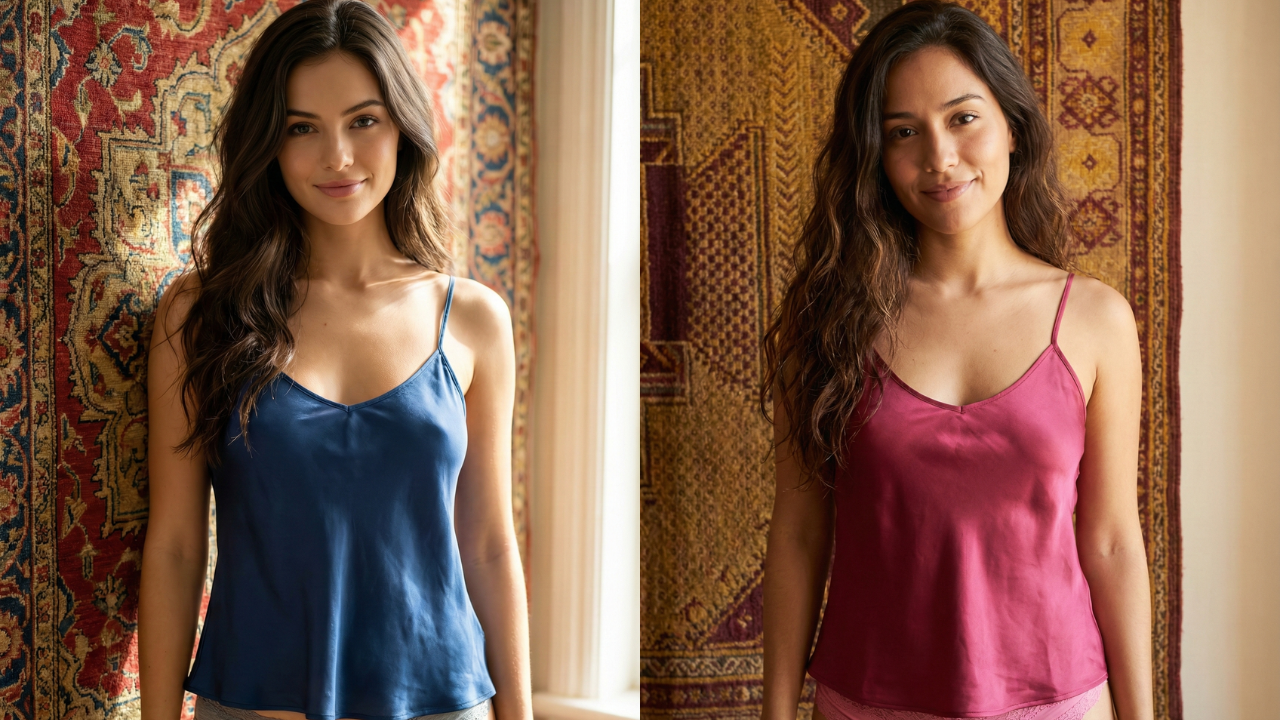
Generating high-quality images with AI has become increasingly popular, especially for creative projects, design concepts, and social content. One powerful tool you can use is **Gemini Nano Banana**, an AI image generator capable of producing realistic and artistic visuals based on well-crafted prompts.
What Is Gemini Nano Banana?
Gemini Nano Banana is an AI image generation model that interprets text prompts to create detailed and expressive images. By providing specific instructions, you can guide the AI to produce visuals tailored to your creative vision.
Why Prompt Quality Matters
The final image quality depends heavily on how well the prompt is written. A good prompt:
- Helps the AI understand your idea clearly
- Produces more accurate and appealing results
- Reduces ambiguity in visual elements
- Allows you to explore creative styles
To create an image of a woman that looks realistic and elegant, you need to describe key details such as pose, features, clothing, lighting, and style.
Step-by-Step: Creating a Woman Image Prompt in Gemini Nano Banana
1. Start With a Clear Concept
Decide the overall vibe you want for the image. For example:
- Realistic portrait
- Elegant fashion shot
- Soft lighting and natural background
Having a clear concept helps you communicate exactly what you want in the prompt.
2. Write a Detailed Prompt
A prompt should include the subject, style, lighting, and atmosphere. For instance, you might use a prompt like this:
“Realistic elegant portrait of an Australian woman with soft lighting, natural background, wearing a stylish outfit, high-resolution, detailed facial features, warm tones.”
If you’re looking for a ready-to-use prompt as a starting point, check this example on Promptversal: Woman Image Prompt – Realistic & Elegant
3. Enter the Prompt in Gemini Nano Banana
Open Gemini Nano Banana, paste your prompt, and adjust any parameters the platform offers, such as aspect ratio, style intensity, or color palette. Then generate the image.
4. Review and Refine
After the image is generated, review the result. If it’s not exactly what you envisioned, revise your prompt by:
- Adding more descriptive details
- Specifying the art style (e.g., photorealistic, painterly)
- Changing lighting or background elements
Repeat the generation process until you’re satisfied with the output.
Tips for Better Results
To improve your outputs consistently:
- Use clear and specific language
- Include artistic style cues (e.g., “cinematic lighting”)
- Avoid vague adjectives
- Experiment with different prompt variations
Conclusion
Creating an image of a woman using Gemini Nano Banana is all about crafting a strong prompt. The more detail and structure you include, the better the AI can interpret your vision. Whether for creative artwork, portfolio visuals, or concept art, a well-written prompt unlocks the full potential of AI image generation.
Start with a clear idea, fine-tune your prompt, and use tools like Promptversal for inspiration. With practice, you’ll be able to generate stunning and realistic images consistently.